All Controls Enabled
In this scene all possible controls are enabled, both mouse, keyboard, UI buttons, touch and edge-scrolling.
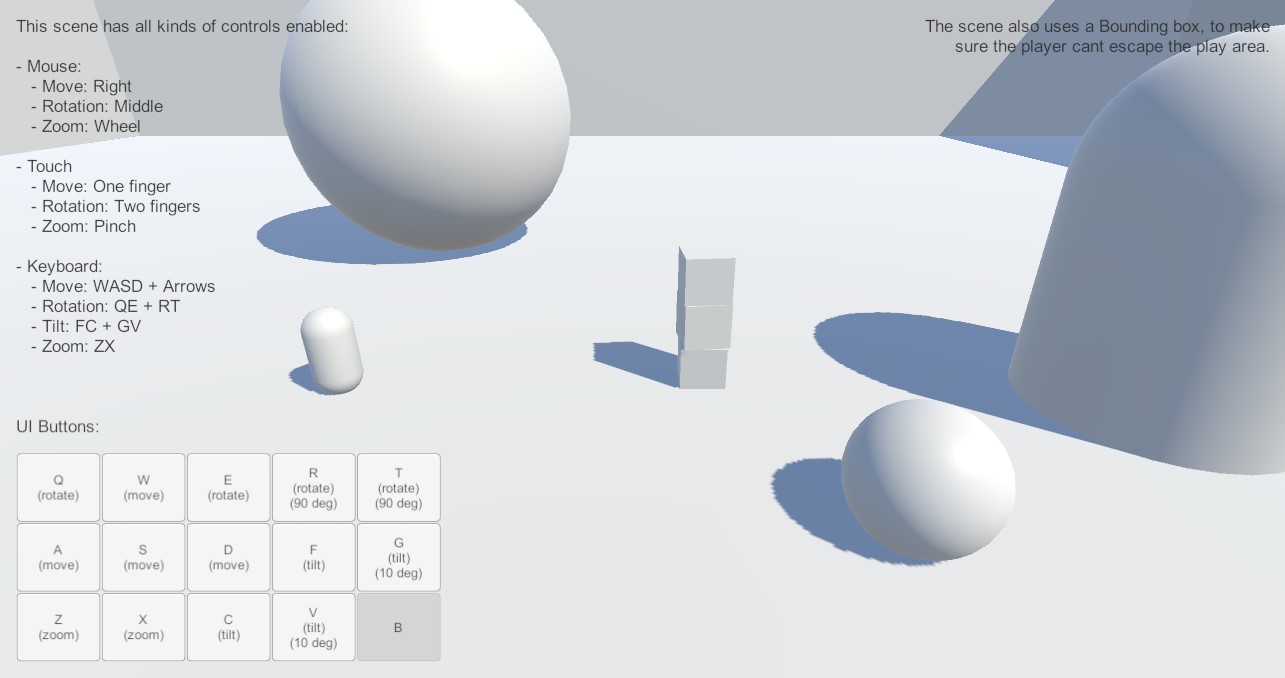
Controls
Movement, rotation and zoom are all controlled with mouse, touch, keyboard or UI buttons.
Movement
Move the camera with Right Mouse Button or W A S D or One Finger Touch on mobile devices or the UI buttons on the screen.
Rotation
Rotate the camera with Middle Mouse Button or by Q and E on the keyboard or Two Finger Touch on mobile devices or the UI buttons on the screen.
Zoom
Zoom the camera with Mouse Scroll Wheel or by Z and X on the keyboard or Two Finger Pinch on mobile devices or the UI buttons on the screen.