Island City Builder
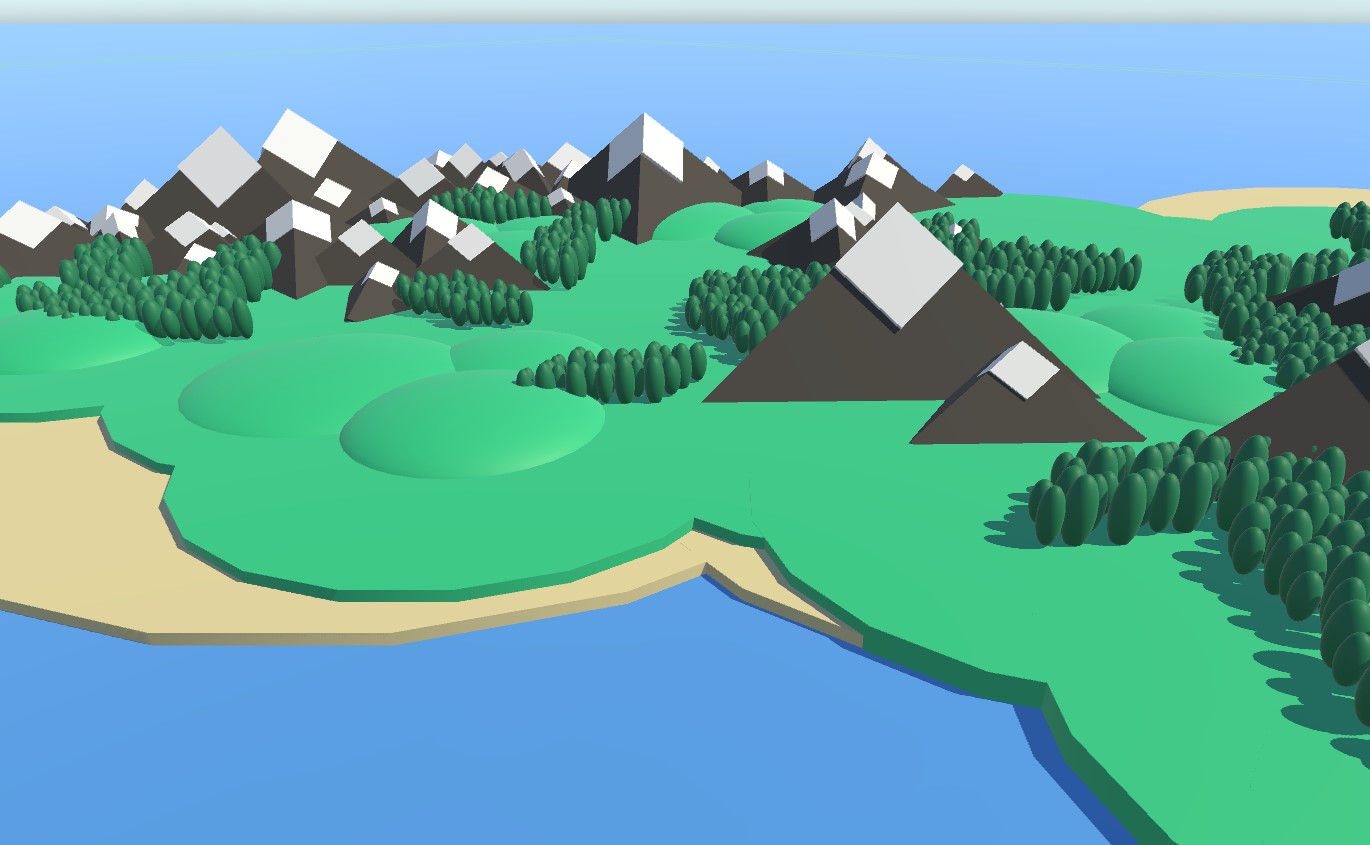
A small island with a fishing village, a harbor, and a lighthouse, surrounded by mountains and forests on the higher ground.
Example uses the Legacy Input Components.
This scene has a perspective camera, and full rotational control with both mouse and keyboard. Since the world is so large, we use Exponential Zoom to make zooming rapid even at large distances.
The scene uses Follow Terrain Height to ensure that the target is the same distance above the ground at all times. To optimize we use the Terrain Layer Mask for this feature, so we only check for objects in a few specific layers. Because layers are unique to your project, I can't make any custom layers in your project. So I've put all the terrain geometry into Unity's built-in Water layer in this example scene. But for your own project I would recommend creating a new layer and calling it something like Ground or Terrain.
We don't want to count the trees or the buildings as terrain, since this would cause the camera to jump up and down when passing over those. So they exist on the default layer.
A minimap on the canvas wires the Public API minimap example. Click anywhere on the minimap to animate the camera to that world position. A Trigger Important Event button on the same canvas wires the important event example, focusing the camera on a configured target with a framed shot. A Play Cutscene button wires the cinematic example, running a scripted cutscene with fade-in, a hard cut to top-down, and trucks and dollies through the village.
Controls
Controlled with mouse, keyboard, or touch.
Movement
Move the camera with Right Mouse Button or W A S D (or One Finger Touch on mobile devices).
Rotation
Rotate the camera with Middle Mouse Button or Q and E on the keyboard (or Two Finger Touch on mobile devices).
Zoom
Zoom the camera with Mouse Scroll Wheel or Z and X on the keyboard (or Two Finger Pinch on mobile devices).