Using The Public API
This scene contains a lot of buttons, each of which calls one of the public methods on the OrbitalCameraSystem.
You can read a detailed explanation of the public API here.
Note
Only the methods that take a float parameter can be executed directly from the button's On Click list. Methods that take a Vector3 parameter needs to be called via a custom script.
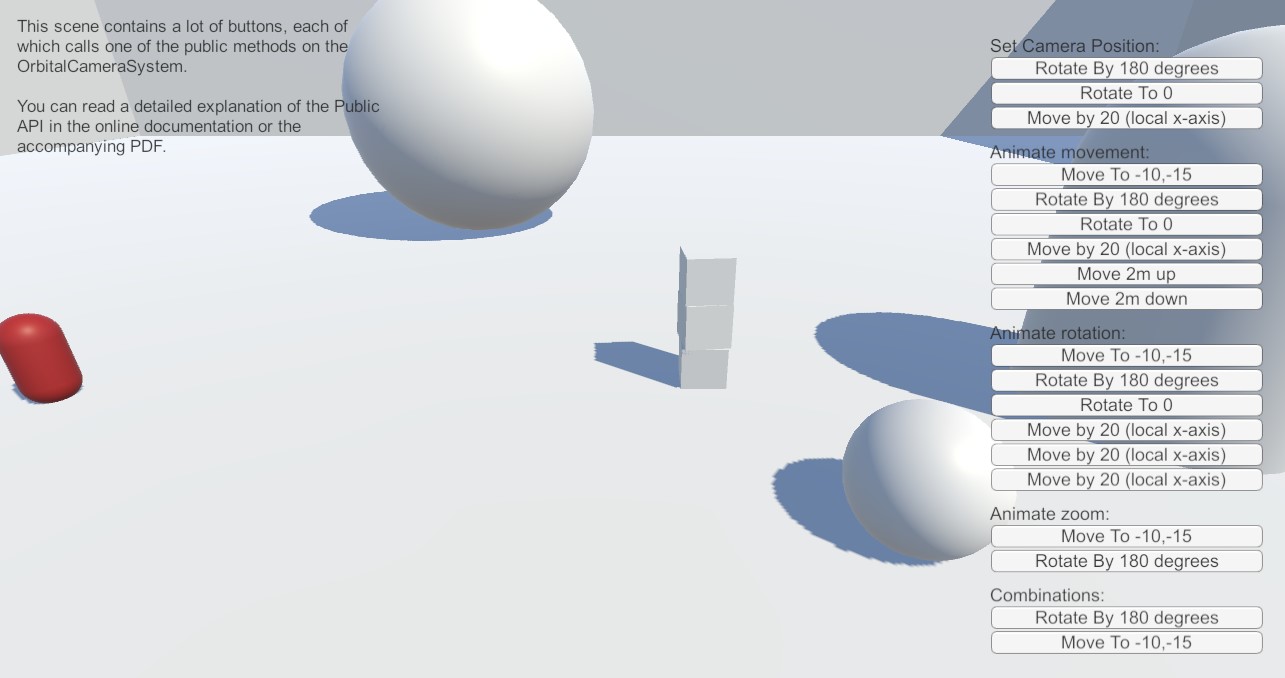
Setting the camera position
The camera position can be set (instantly, without any animation) with the following 4 methods:
- SetPosition (Vector3)
- SetRotation (float)
- SetTilt (float)
- SetZoom (float)
Animations
The camera can be animated with the following methods.
Movement
There's 4 different move methods available:
- MoveCameraBy (Vector3)
- MoveCameraByLocal (Vector3)
- MoveCameraTo (Vector3)
- MoveCameraUp (float)
Rotation
There's 6 different rotation/tilt methods available:
- RotateAndTiltCameraBy (Vector2)
- RotateAndTiltCameraTo (Vector2)
- RotateCameraBy (float)
- RotateCameraTo (float)
- TiltCameraBy (float)
- TiltCameraTo (float)
Zoom
There's 2 different zoom methods available:
- ZoomCameraBy (float)
- ZoomCameraTo (float)
Combinations
You can combine the animations, and play several at the same time. But naturally only one animation from each category can be run simulaneously. You can thus animate the movement, rotation, tilt and zoom; all at the same time.
Locking on to a target
If you need the camera to follow a target, you can use the Special Feature methods: SetLockOnTarget and RemoveLockOnTarget.
Note
This will disable all the movement inputs, and the player will only be able to rotate, tilt and zoom the camera.